
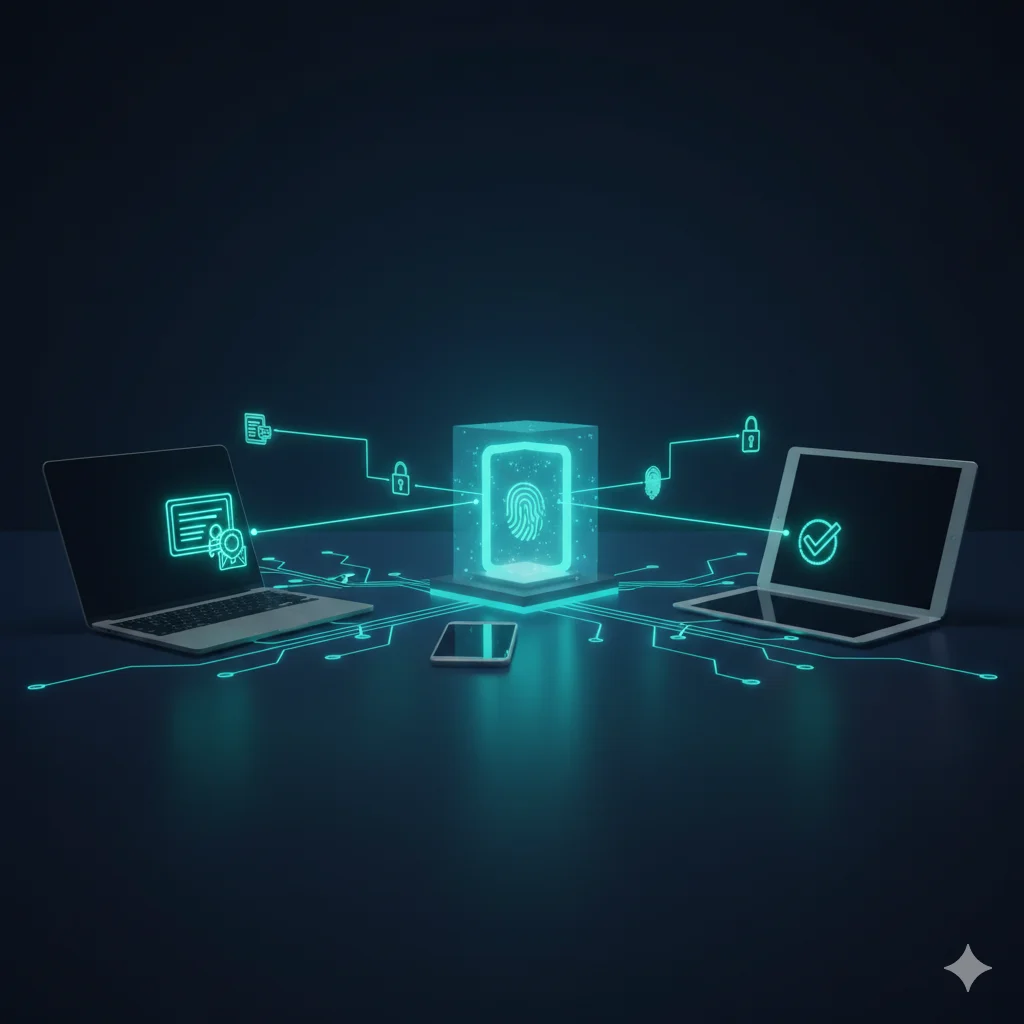
One Link to Connect Any Device
Give users a single URL or QR code. They authenticate, receive a certificate, and their WiFi configures automatically — on any platform, with no MDM required, and zero IT tickets.
Connected in Three Steps
From link to WiFi in under 60 seconds
Visit the Link
Users open your enrollment URL or scan a QR code. The portal detects their device and OS automatically.
Authenticate
Users sign in with SSO, LDAP, email verification, or access code. One authentication — that's all they need.
Auto-Configure
The portal provisions a certificate and WiFi profile. One tap to install, and they're connected to your secure network.
Built for Real-World Onboarding
Everything you need to get any device onto your secure WiFi
Cross-Platform
One portal handles every operating system. Automatic OS detection delivers the right WiFi profile format for each device.
- Windows 10/11
- macOS 12+
- iOS 15+ & iPadOS
- Android 10+
- ChromeOS
Custom Branding
Make the portal yours. Upload your logo, set brand colors, customize the welcome message, and add support contact details.
- Company logo & colors
- Custom welcome text
- Support contact info
- Custom domain (wifi.company.com)
QR Code Onboarding
Generate QR codes that link directly to your enrollment portal. Print them, display them, email them — users scan and connect.
- Auto-generated from console
- Print-ready formats
- Dynamic or static codes
- Scan-to-connect in under 60s
SSO Integration
Authenticate users with your existing identity provider. Support for Microsoft Entra ID, Okta, Google Workspace, and any SAML/OIDC provider.
- Microsoft Entra ID
- Okta & OneLogin
- Google Workspace
- Any SAML 2.0 / OIDC provider
Automatic Configuration
No manual SSID entry, no certificate imports. The portal packages everything into a native WiFi profile that installs with one tap.
- SSID, EAP method, certificate — bundled
- Native mobileconfig (Apple)
- Windows Wi-Fi profile XML
- Android managed config
Zero IT Tickets
Users enroll themselves. IT doesn't need to touch individual devices, configure WiFi settings, or troubleshoot connection issues.
- Self-service enrollment
- Built-in error guidance
- Enrollment status tracking
- Admin console for oversight
No MDM? No Problem.
The enrollment portal is designed for organizations that need certificate-based WiFi without requiring every device to be MDM-enrolled. Perfect for BYOD, contractors, visitors, AI agents, and any scenario where users bring their own devices. Once enrolled, every device is monitored by WiFi ITDR behavioral baselines to detect anomalies post-onboarding.
Frequently Asked Questions
What devices will the enrollment portal support?
When launched, the enrollment portal will support Windows 10/11, macOS 12+, iOS 15+, Android 10+, and ChromeOS. The portal will automatically detect the user's operating system and deliver the correct WiFi profile and certificate format — no manual configuration needed.
Will users need to install any software?
No. The enrollment portal will run entirely in the browser. Users will visit the enrollment URL, authenticate, and the portal will deliver a native WiFi profile that installs with one tap. On Windows a small configuration helper will run automatically. No app store downloads required.
Will I be able to customize the portal with my company branding?
Yes. When launched, you'll be able to customize the portal with your logo, colors, welcome message, and support contact information. You'll also be able to use a custom domain (like wifi.yourcompany.com) so the enrollment URL matches your brand.
How will QR code onboarding work?
When launched, you'll generate a QR code from the IronWiFi console that links to your enrollment portal. Print it on welcome packets, display it in lobbies, or include it in onboarding emails. Users will scan the code with their phone camera, authenticate, and they'll be connected — the entire process will take under 60 seconds.
Talk to a WiFi Identity Specialist
- See IronWiFi working with your hardware
- Get a deployment plan for your network
- 30-minute call — no pitch deck
Set up in under 15 minutes — no credit card required