
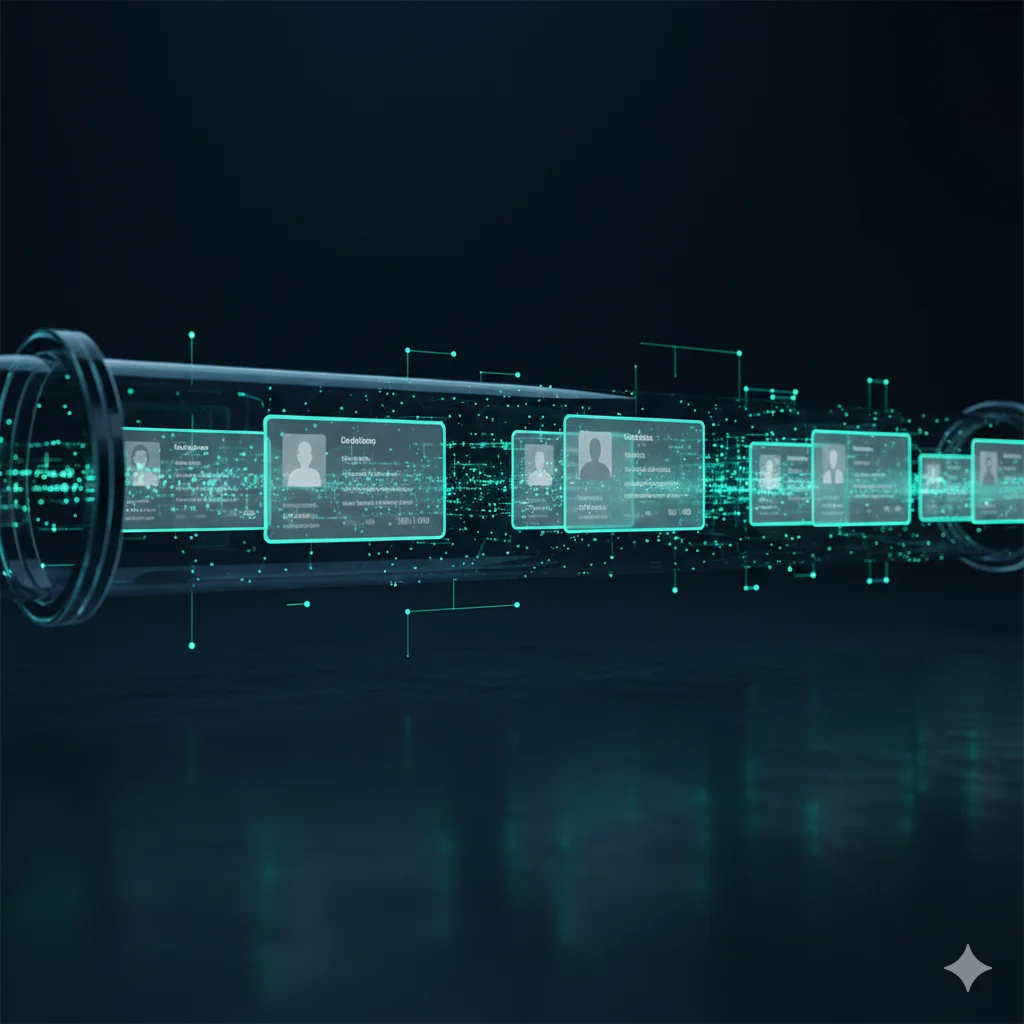
Your Directory Is the Source of Truth for WiFi Access
Sync users from Microsoft Entra ID, Okta, and Google Workspace automatically. When someone leaves, their WiFi access disappears instantly — certificates revoked, devices removed, access logged.
IronWiFi syncs WiFi access with directory services via SCIM, supporting Microsoft Entra ID, Okta, and Google Workspace for automated user lifecycle management. When employees join, their WiFi access is provisioned automatically with group-based policies; when they leave, access is revoked instantly — certificates revoked, devices removed, and the action logged for audit compliance.
Identity-Driven WiFi Access Control
Six capabilities that keep your WiFi access perfectly in sync with your directory
Microsoft Entra ID Sync
Real-time provisioning and deprovisioning from Microsoft Entra ID. Users and groups sync automatically — no manual imports or CSV uploads.
- Real-time push notifications
- User & group sync
- Conditional Access integration
- Multi-tenant support
Okta Integration
Push and pull sync with automatic group mapping. IronWiFi appears in your Okta Integration Network catalog — enable it in minutes.
- SCIM 2.0 push & pull
- Automatic group mapping
- Okta Integration Network
- Profile attribute sync
Google Workspace Sync
Keep WiFi access in sync with your Google directory. Organizational units map to WiFi policies, and suspended accounts lose access immediately.
- Organizational unit mapping
- Suspended account detection
- Google Groups integration
- ChromeOS device sync
Auto-Deprovisioning
User disabled? Certificates revoked, MACs removed, access logged — instantly. No stale accounts, no forgotten access, no security gaps.
- Certificate revocation
- MAC address removal
- Session termination
- Compliance audit log
Group-Based Policies
Map directory groups to VLANs, bandwidth limits, and access rules. When a user changes departments, their WiFi policy updates automatically.
- Group-to-VLAN mapping
- Bandwidth policy rules
- Time-based access controls
- Dynamic policy updates
Identity Lifecycle Dashboard
Visualize every provisioning event with a full audit trail. See who was granted access, when it was revoked, and why — all in one place.
- Real-time event feed
- Provisioning & deprovisioning logs
- Sync health monitoring
- Exportable compliance reports
The Deprovisioning Cascade
What happens when an employee leaves — automatically, in seconds
Employee Leaves
HR initiates the offboarding process in your identity provider.
IdP Disables Account
The user account is deactivated in Microsoft Entra ID, Okta, or Google Workspace.
IronWiFi Detects Change
SCIM push notification or pull sync detects the deactivation within seconds.
Certificates Revoked
All certificates issued to the user are immediately added to the revocation list.
MAC Addresses Removed
Every device registered to the user is removed from the allowed devices list.
Access Logged
Every action is recorded in the compliance audit trail with timestamps and details.
IT Notified
Your team receives a summary notification confirming all access has been revoked.
No More Zombie Accounts
The average enterprise has 30% of WiFi accounts belonging to former employees. SCIM sync eliminates this gap automatically — every account in your directory, including AI agent identities, maps to exactly the right level of WiFi access, and nothing more.
Frequently Asked Questions
What is SCIM provisioning?
SCIM (System for Cross-domain Identity Management) is a standard protocol that will sync user data between your identity provider and IronWiFi automatically. When you add, update, or remove a user in your IdP, the change will propagate to IronWiFi without any manual intervention.
Which identity providers will you support?
When launched, we'll support Microsoft Entra ID (Microsoft Entra ID), Okta, and Google Workspace with full push and pull sync. Each integration will support user provisioning, group mapping, and automatic deprovisioning. More providers will follow.
What will happen when a user is offboarded?
Within seconds of deactivation in your IdP, IronWiFi will automatically revoke their certificates, remove their registered devices, terminate active sessions, and log everything for compliance. Your IT team will receive a notification confirming the deprovisioning is complete.
How often will sync happen?
Push sync will be real-time — your IdP will notify IronWiFi immediately when changes occur. Pull sync will run on a configurable schedule, typically every 5-15 minutes, as a safety net to catch any missed events.
Talk to a WiFi Identity Specialist
- See IronWiFi working with your hardware
- Get a deployment plan for your network
- 30-minute call — no pitch deck
Set up in under 15 minutes — no credit card required