
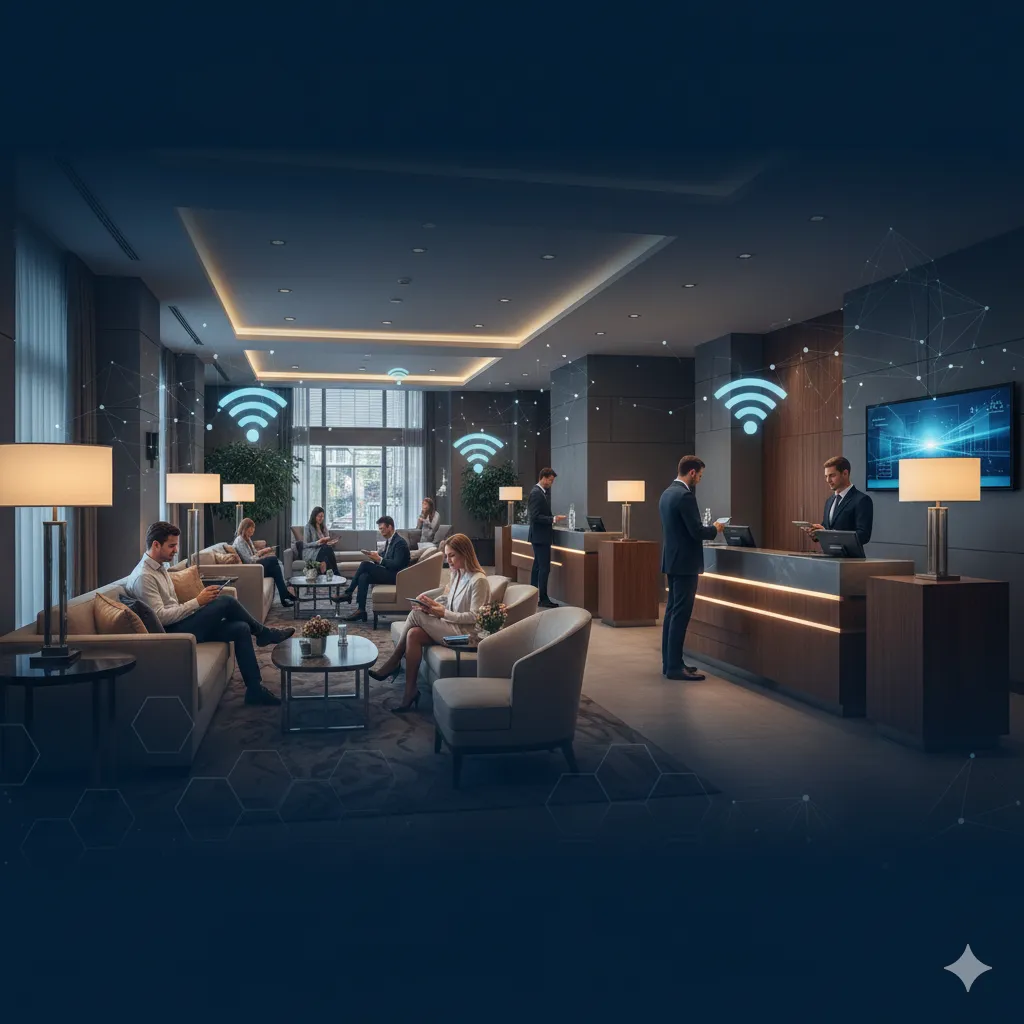
Hotel WiFi That Guests Love (and That Pays for Itself)
Guests enter their room number and name to connect instantly. No passwords, no front desk calls. Capture emails and grow your loyalty program automatically.

Hotel WiFi authentication connects guests using room number and last name verification, eliminating password friction while capturing marketing data. IronWiFi integrates with property management systems to automate guest WiFi access, collect email addresses for loyalty programs, and support premium paid tiers — with branded captive portals across multiple properties.
What Features Do You Get?
We've built this specifically for hotels — here's what you get
Works With Your PMS
We connect directly to Opera, Mews, Cloudbeds, and others. When a guest enters their room number and name, we check it against your system automatically.
Your Brand, Front and Center
Every guest sees your logo and colors when they connect. Show off your spa, restaurant specials, or whatever you want them to know about.
Reward Your Loyal Guests
Returning members get instant WiFi access — no login needed. It's a small perk that makes a big impression.
See What's Happening
Know when guests connect, what devices they're using, and how your network is performing. No guesswork.
One Dashboard, All Your Properties
Running multiple locations? Manage them all from one place, with each property keeping its own look and feel.
Why Does Cloud Beat the Old Way?
Here's what you're missing with traditional on-premise systems
How Does It Work for Your Guests?
Three steps, and they're online — it really is that simple
They Check In
Guest gets their room key and heads up. Their phone automatically finds your WiFi.
Quick Login
They type their room number and last name. We check your PMS and approve them instantly. No passwords to remember.
They're Online
That's it. They've got fast internet for their whole stay. And if they're loyalty members? Next time they won't even need to log in.
How Can Guests Connect?
Different guests prefer different options — we've got you covered
Room + Name
The easiest option — just their room number and last name
Loyalty Login
Members use their existing credentials for instant access
Social Login
Facebook, Google, or Apple sign-in
Email Signup
Great for building your marketing list
Event Codes
Perfect for conferences and special events
Which Types of Properties Does It Work For?
Whether you've got 10 rooms or 10,000, we've got you covered
Hotels & Motels
Room number login that works in guest rooms, the lobby, pool area — everywhere
Resorts & Spas
Give premium guests faster speeds in the spa and pool area — they'll notice
Cruise Ships
Cabin-based login that works at sea, with easy package upgrades for passengers
Convention Centers
Give each event its own access codes and see exactly how many people connected
Vacation Rentals
New access code for each booking — it changes automatically when guests check out
Boutique Hotels
Make your WiFi login page as unique as your property — your brand, your style
Which PMS Systems Does It Integrate With?
Already using one of these? Great — we'll connect right to it
How Can Your WiFi Actually Make You Money?
Here's how hotels are turning their guest network into a marketing machine
Grow Your Email List
Every guest who logs in is a chance to collect an email. Build your list without any extra effort.
More Loyalty Members
Nudge guests to join your loyalty program right when they connect. It's the perfect moment to ask.
Promote Your Services
Show off your spa, restaurant, or room upgrades right on the login screen. Every guest sees it.
Catch Problems Early
Ask guests how things are going before they check out. Fix issues before they become bad reviews.
What Technology Powers It?
Here's what's under the hood — built for reliability and speed
WiFi 6 Ready
Works with the newest Wi-Fi Alliance certified gear
Cloud Managed
Control everything from anywhere
Network Isolation
Guests can't reach your systems
Fair Bandwidth
No one hogs all the speed
High Availability
Multi-region redundancy when you need us
API Access
Build your own integrations
How Do You Manage Multiple Properties?
One dashboard for all your locations. Each property keeps its own look and branding, but you control everything from one place.
What Will You Actually Get?
Real benefits for your team and your guests
For Your Team
Way fewer calls to the front desk about WiFi — guests can handle it themselves
Everyone gets fair bandwidth automatically — no more manual throttling
Same great WiFi experience at every property you manage
Works with your current PMS — no need to change how you do things
Spot network problems before guests start complaining
For Your Guests
They're online in seconds — just room number and name, no passwords to remember
Returning loyalty members connect automatically — no login at all
Your login page shows them what's happening at the property
If they've stayed at one of your properties, they know how it works
Fast, reliable internet from check-in to checkout
"Honestly, it's been a game-changer. Guests just type in their room number and last name, and they're online. We used to get calls all the time about WiFi passwords — now it basically runs itself. Our WiFi review scores went up within the first month."
How We Compare for Hospitality
See why hotels choose IronWiFi over legacy WiFi gateways.
vs ANTlabs / Nomadix
Legacy gateways mean hardware at every property, per-room licensing, and no cross-property analytics. IronWiFi is cloud-first — manage 100 properties from one dashboard.
vs Hotel ISP-Managed WiFi
When your ISP manages guest WiFi, you lose control of the brand experience and guest data. IronWiFi puts you in control — your branding, your data, your integrations.
vs Building Your Own
Custom captive portals sound simple until you need PMS integration, multi-language support, and 99.99% uptime. We've solved these problems for 500+ hospitality customers.
Got Questions? We've Got Answers
Here's what hotels usually ask us
Which PMS systems do you work with?
We connect to Oracle Opera, Mews, Cloudbeds, Protel, RoomRaccoon, Apaleo, and plenty more. Using something custom? We can probably build an integration for you.
How long does this take to set up?
Most hotels are live the same day. You'll point your access points to our servers, set up your login page, and connect your PMS — usually under an hour of hands-on time.
Can guests connect more than one device?
Absolutely. You set the limit — most hotels allow 4-5 devices per room. Phone, laptop, tablet, whatever they've got.
How do loyalty members log in?
They can use their membership credentials, or we can recognize them automatically when they return. It's a nice perk that guests really appreciate.
Can we make the login page look like our brand?
100%. Your colors, your logo, your images, your message. Want to promote your spa or restaurant? Put it right on the login page.
What if something goes wrong?
Our platform runs on redundant infrastructure across multiple regions with automatic failover — so we're highly available when you need us. If your ISP goes down, that's on them, but we'll be ready the moment your connection comes back.
Case Study
Coastal Resort Group: 340% ROI with 89% Portal Completion Rate
"Our guests actually complete the WiFi login now — 89% of them. The branded portal has become a key part of our guest experience strategy."
Read Case Study →From Signup to Live: Your Onboarding Path
A clear, step-by-step path — no surprises, no consultants, no complexity.
Sales call: property size, PMS system, AP vendor
Create account, configure RADIUS endpoint
Build branded captive portal (logo, colors, background)
Configure room-number + last-name authentication
Add social login (Facebook, Google) as secondary option
Configure email capture → connect to Klaviyo / MailChimp
Set bandwidth limits per guest session
Test on 1 floor before full property rollout
Train front desk on WiFi process
Go live property-wide
Key Integrations
Ready to get started?
Let's walk through it together
Our onboarding team will guide you through each step — most customers are live the same day.
No credit card required · Setup in minutes · Cancel anytime
Talk to a WiFi Identity Specialist
- Walk through a deployment for your industry
- See how similar organizations use IronWiFi
- Get a custom setup plan
Set up in under 15 minutes — no credit card required